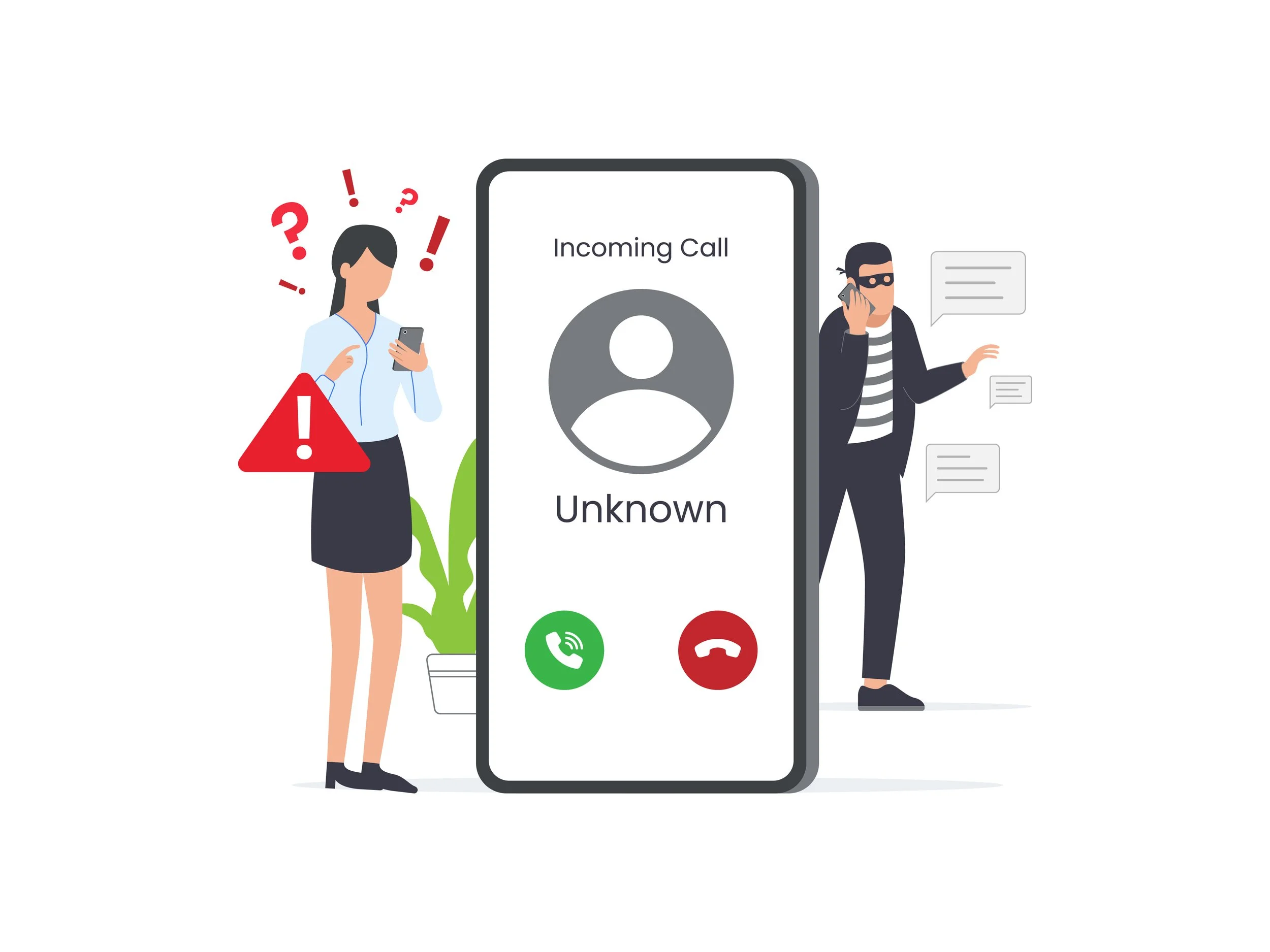
Bank Impersonation & Remote Access Scams - Stay Alert
⭐🏦 BANK IMPERSONATION & REMOTE ACCESS SCAMS - STAY ALERT
Scammers may pretend to be from your bank, a bank help desk, or another trusted financial institution to gain access to accounts, personal information, or computers. These scams can start with a simple phone call and may involve requests for account information, verification codes, or remote access to your device.
Recent scam attempts have included callers pretending to be customers while trying to obtain account information, as well as callers claiming to be bank help desk employees and asking for remote access to a computer. These situations are a reminder to slow down, verify who you're speaking with, and never provide access or sensitive information to an unexpected caller.
💬 COMMON STORIES:
“I’m calling about my account.” A scammer may pretend to be a customer and attempt to obtain account information over the phone.
“I’m from your bank’s help desk.” The caller claims there is an issue with your computer, account, or security and offers to help.
“I need to verify your information.” The caller asks for passwords, security codes, or other information that could help them access an account.
“Let me remote into your computer.” The scammer asks you to install software or provide remote access so they can supposedly troubleshoot a problem.
“There’s suspicious activity on your account.” The caller creates urgency and asks you to act immediately to protect your money or account.
🚨 WARNING SIGNS:
An unexpected caller asks for sensitive account information.
Someone asks for a one-time security or verification code.
A caller requests remote access to your computer.
The person pressures you to act immediately.
The caller asks you to download software or click a link.
The caller claims to be from your bank but you did not contact them first.
The caller becomes pushy when you try to verify their identity.
Caller ID shows the name or phone number of a trusted organization. Remember: caller ID can be spoofed.
🛡️ PROTECT YOURSELF:
Never share one-time security codes, passwords, or PINs with an unexpected caller.
Never give an unexpected caller remote access to your computer or phone.
If someone claims to be from your bank, hang up and contact the bank directly using a trusted phone number.
Don't rely on caller ID to confirm who is calling.
Don't click links or download software provided by an unexpected caller.
If you're unsure, take a moment to verify before providing any information or access.
Remember that legitimate bank employees should not need you to provide sensitive credentials or security codes simply to prove who you are.
🧰 HELPFUL RESOURCES:
FDIC: Call Spoofing Scams
📍 IF YOU THINK YOU'VE BEEN TARGETED:
Hang up and don't continue the conversation.
Don't provide any additional information or verification codes.
Don't give remote access to your computer or phone.
Contact your bank directly using a trusted phone number if the caller claimed to be from your bank.
Change your passwords if you shared login information.
Contact your bank immediately if you believe your account information may have been compromised.
Report the scam to the FTC or FBI's Internet Crime Complaint Center (IC3).